
Repair & troubleshooting
Help with startup issues, crashes, overheating, charging problems and hardware faults. Diagnosis comes before a repair recommendation.
REPAIR / UPGRADE / SUPPORT
Computer and laptop services for individuals and businesses in Richmond Hill. Repair a problem, improve performance, or get your system ready for what comes next.

Help with startup issues, crashes, overheating, charging problems and hardware faults. Diagnosis comes before a repair recommendation.
Compatible RAM, SSD and component upgrades to help your computer keep up with your workload.
Operating system and software installation, updates, drivers, new-device setup and peripheral configuration.
Troubleshooting, workstation setup and upgrade planning for your team. Tell us about your devices and working requirements.
System upgrades
If your computer still meets your needs, a suitable upgrade may extend its useful life and cost less than replacing it. We check the model, condition and compatibility before recommending parts.
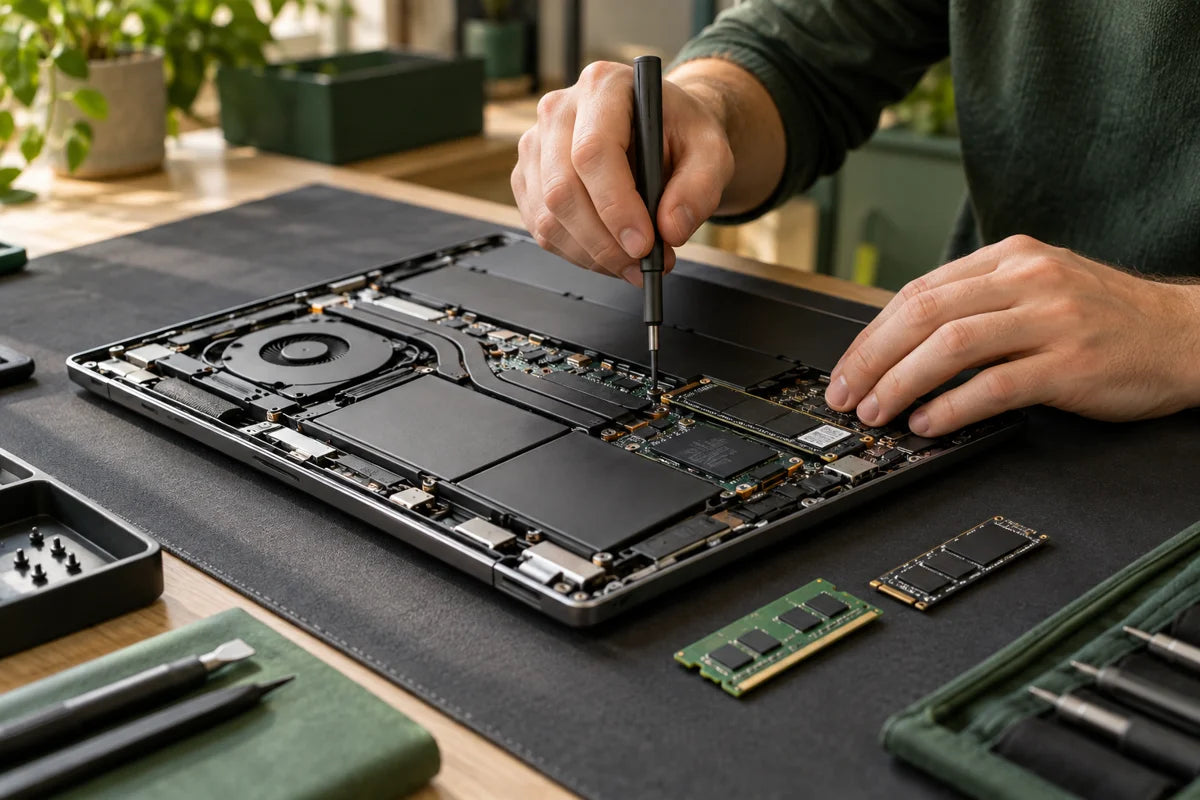
Replace a compatible hard drive with an SSD or increase storage capacity. Transfer or reinstall options are discussed before work starts.
Increase memory for multitasking and demanding applications when the device supports an upgrade.
Discuss graphics cards, processors, cooling and other components. Compatibility, power requirements and the value of the upgrade come first.
Check overheating, clean cooling components and discuss servicing appropriate for the device.
A slow but otherwise suitable computer, limited storage or insufficient memory can be good reasons to explore an upgrade. It may help extend the life of your existing equipment and avoid replacing parts that still work.
Some laptops have soldered memory or non-replaceable parts. An upgrade cannot resolve every fault or overcome an unsupported operating system. We will discuss repair, upgrade and replacement options for your specific device.
Costs depend on the device, diagnosis, parts and labour. Tell us your budget; we will discuss suitable options and provide a quote for your approval before work proceeds. Ask about any assessment fee when booking.
Share the make, model, symptoms and intended use.
We assess compatibility and discuss the recommended work and cost.
Confirm the quote before the agreed work begins.
No. Upgrade options depend on the exact model. Send us the model number so we can check memory, storage and other limitations.
No. We compare the proposed work with the age, condition and capabilities of your device. Replacement may be a better choice for some systems.
Timing depends on diagnosis, parts availability and the work required. We discuss an estimated turnaround after reviewing the request.
Bring the device and its charger, and describe the problem. Back up important files before service and discuss any data-handling or transfer requirements with us.
The cost depends on the fault, required parts and work involved. Share your device details and symptoms so we can review your request and discuss an estimate.
Yes. Back up important files before bringing in your device. If it will not start or you cannot make a backup, tell us before service so we can discuss your data needs.
An SSD can improve startup and application loading times when replacing a mechanical hard drive. The overall benefit depends on your computer’s specifications, condition and compatible upgrade options.
Include the brand and model if known, what happens when the problem occurs, any error messages and when it started. Mention recent changes and troubleshooting you have already tried.
This is a service enquiry. We will review your request and discuss the next steps.
YOUR LOCAL RAYKA TEAM
Monday–Friday: 10am–6pm · Saturday: 10am–2pm
Free 20-minute device drop-off and service intake. Monday–Friday 10am–6pm, Saturday 10am–2pm. All times are Toronto time.